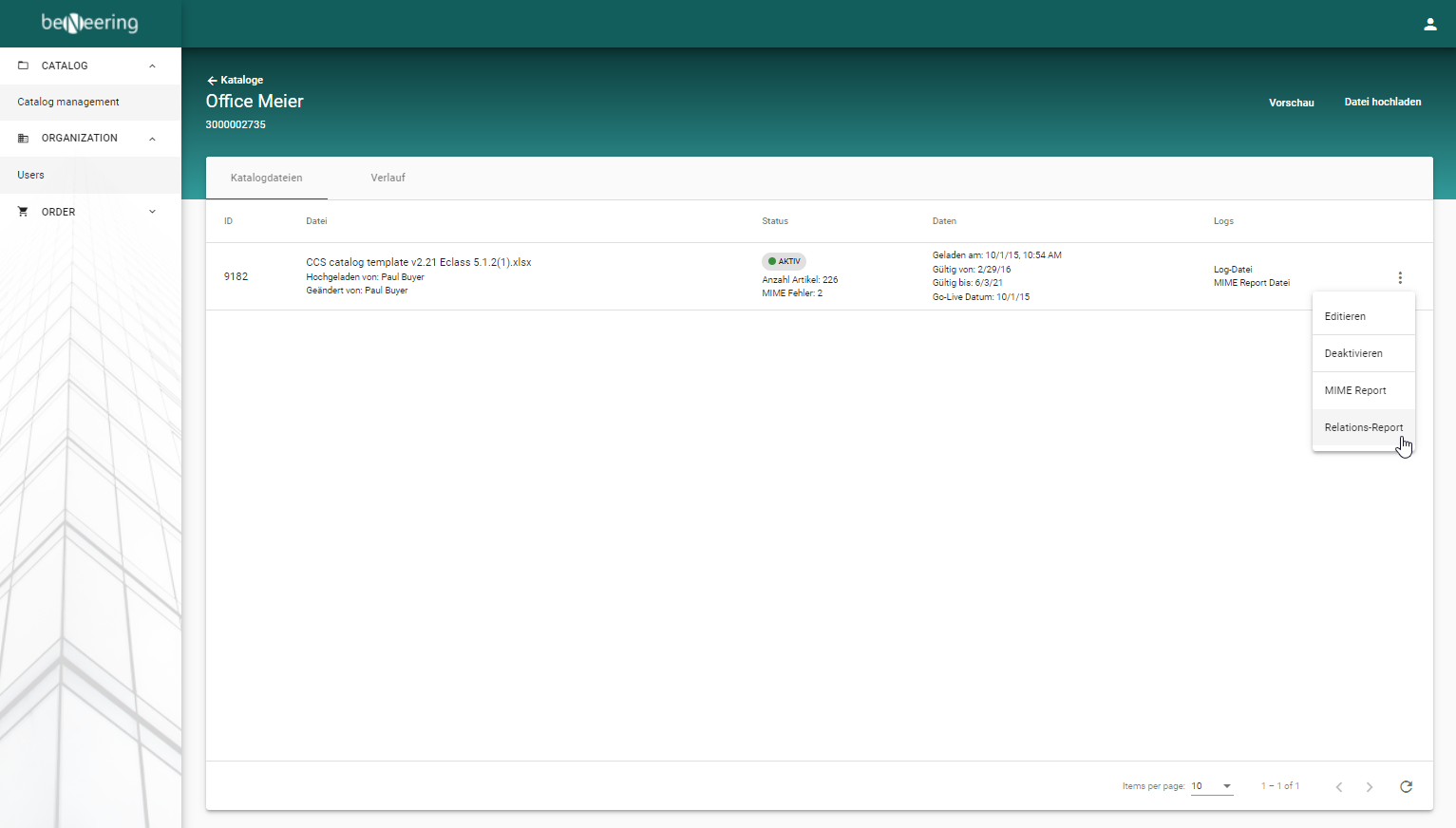
If there are errors with the relations between items, a special log can be generated in the system, which is called the relationship log. This log file contains SupplierID, SupplierAID from the article with the relations and the error description.
-
Activate the Drop-Down menu on the right side of the catalog.
-
Click on Relations-Report
-
The status of the report generation is displayed in the "Logs" column. After the report has been created, you can download it by clicking on the Log-File.