
With the following setting, only the users with the ORDER_RECEIVE role will receive the order-relevant notifications.
If the role is not assigned to any user from the organization, all users within the organization will receive the notification.
In this way it is possible to set up a dedicated collective mailbox or a central mail address by creating a user with the corresponding mail address
and removing the ORDER_RECEIVE role from all other users. and removing the ORDER_RECEIVE role for all other users.
-
Log in as admin and select the user who should receive the notification about orders.
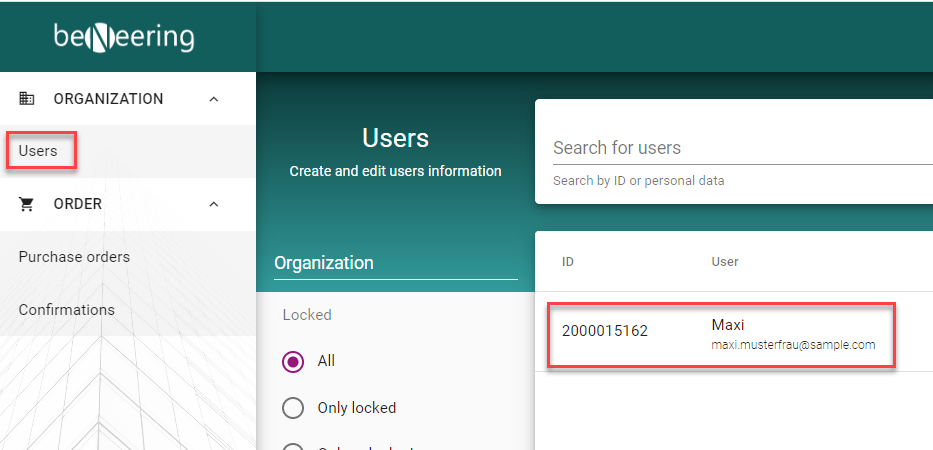
-
Assign the corresponding ORDER_RECEIVE role to the user under Roles.
-
Every user with the role will receive the notifications. These are:
-
New order
-
Change of order
-
Cancellation of order
-