
After clicking on one document from the previous confirmation list, you will see the confirmation details.
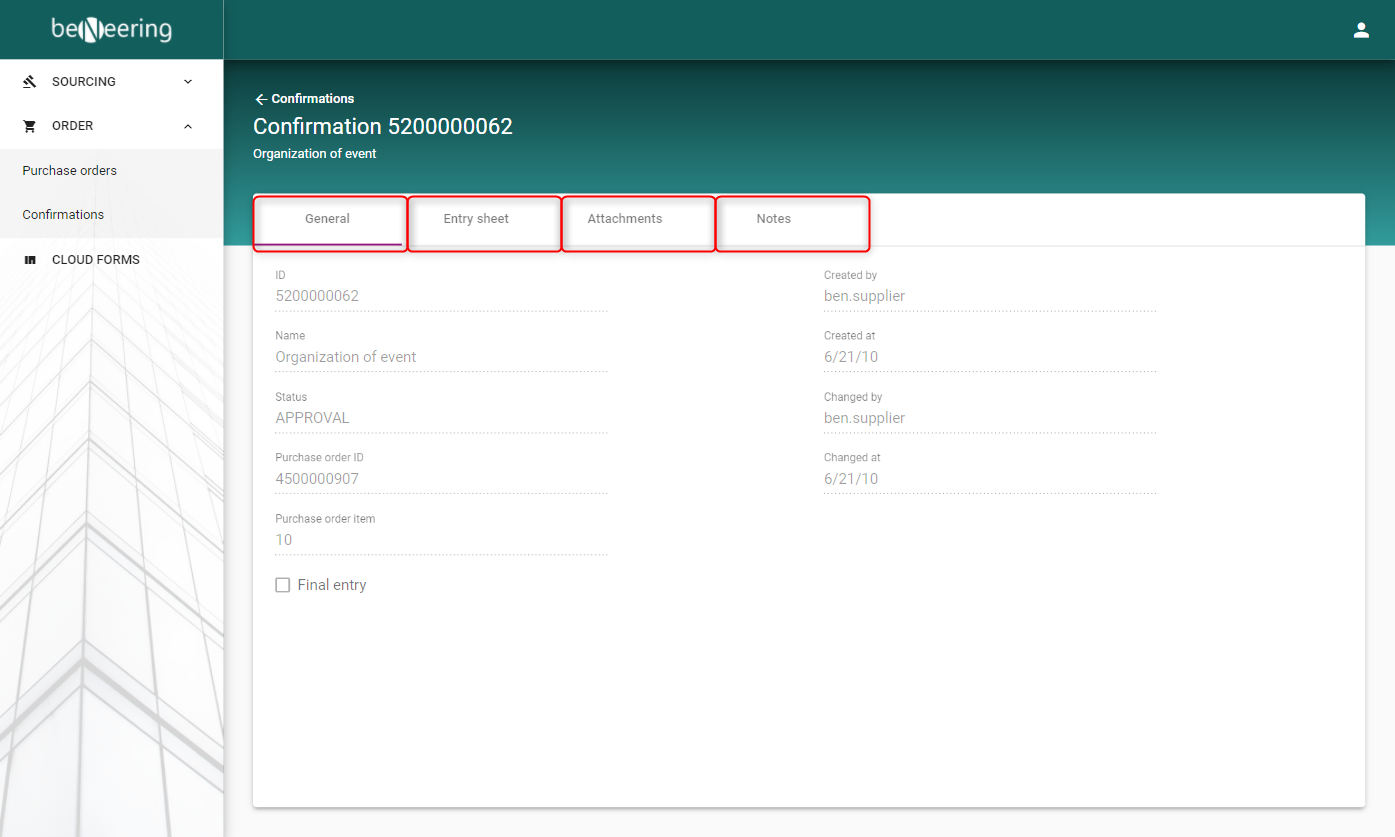
This page contains 4 subpages, which are accessible via clicking on one of the 4 tabs:
General
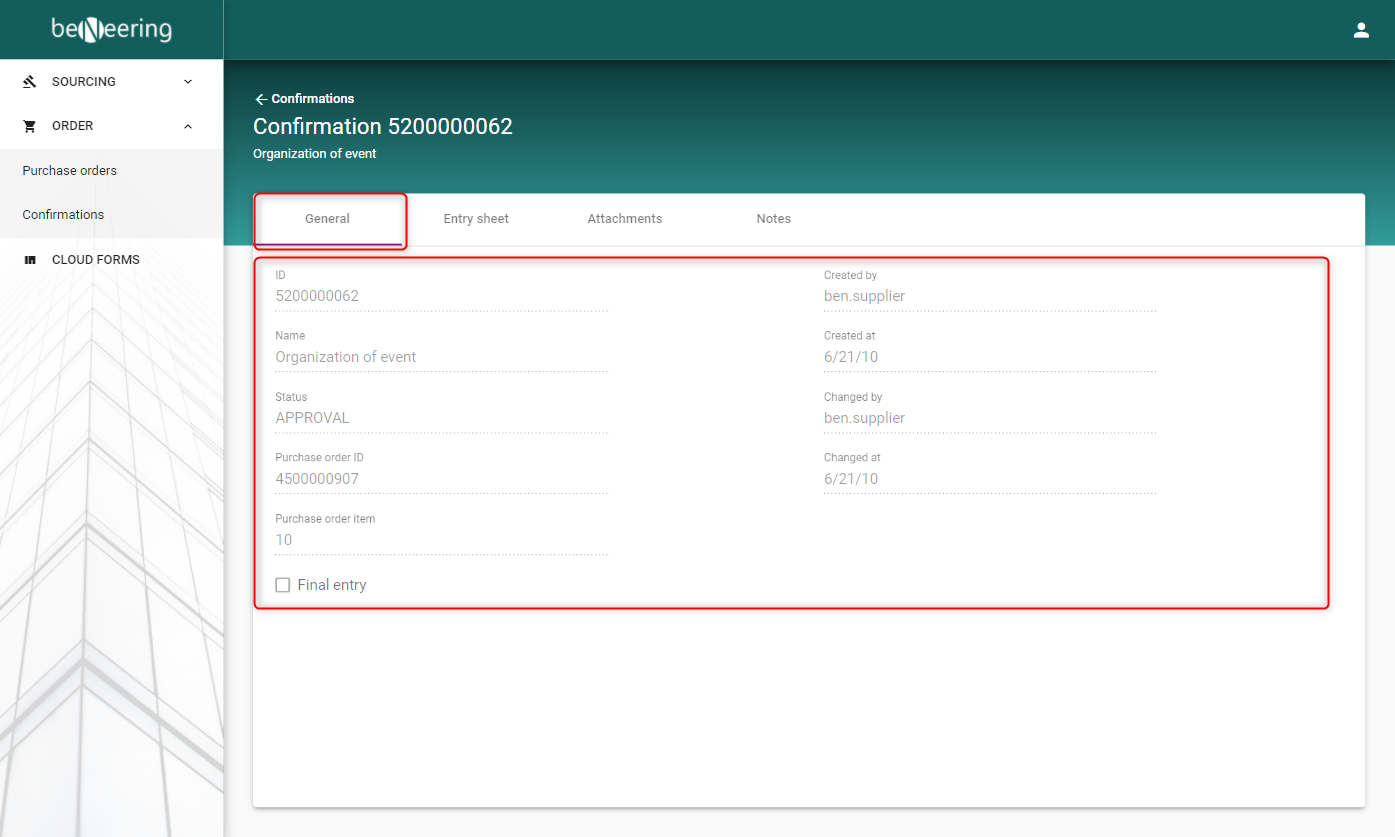
Under the General tab you will find additional information about the confirmation, such as:
|
Field |
Description |
|---|---|
|
ID |
ID of the confirmation |
|
Name |
Name of the confirmation |
|
Status |
Status of the confirmation (Description of statuses) |
|
Purchase order ID |
ID of the related purchase order for this confirmation |
|
Purchase order item |
Confirmation for item no. X in the related purchase order |
|
Final entry |
Checkbox to mark if this confirmation is for the last delivery |
|
Created by |
Confirmation was created by this supplier user |
|
Created at |
Confirmation was create at that date |
|
Changed by |
Confirmation was changed by this supplier user |
|
Changed at |
Confirmation was changed at that date |
Entry sheet
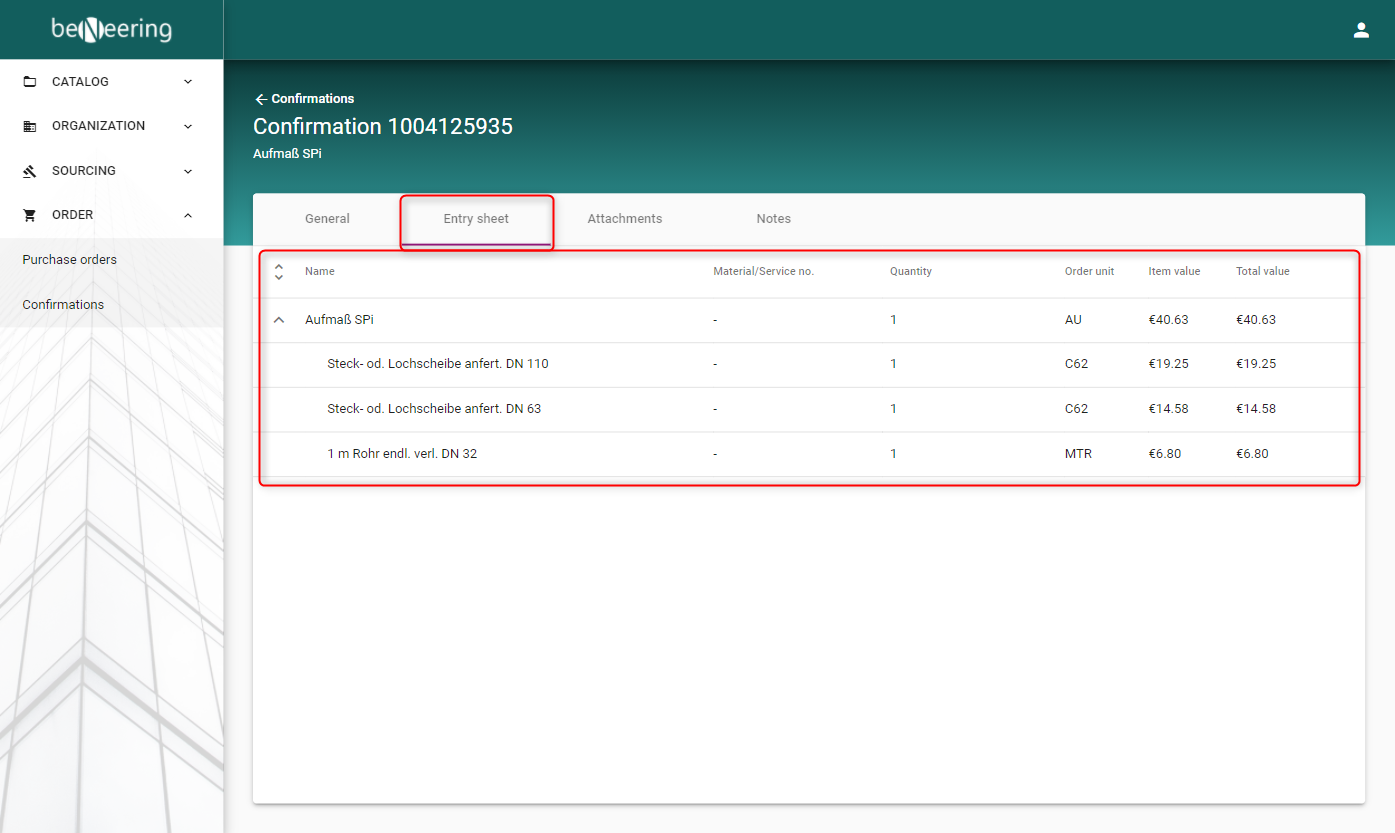
Under the Entry sheet tab you will find all items displayed in their hierarchie of this confirmation:
|
Field |
Description |
|---|---|
|
Name |
Name of confirmed item |
|
Material/Service no. |
Material or Service number of the item used |
|
Quantity |
Quantity of confirmed item |
|
Order unit |
Order unit of confirmed item |
|
Item value |
Value of confirmed item |
|
Total value |
Total value of confirmed item with the quantity |
Attachments
Attachments this confirmation from the customer.
Notes
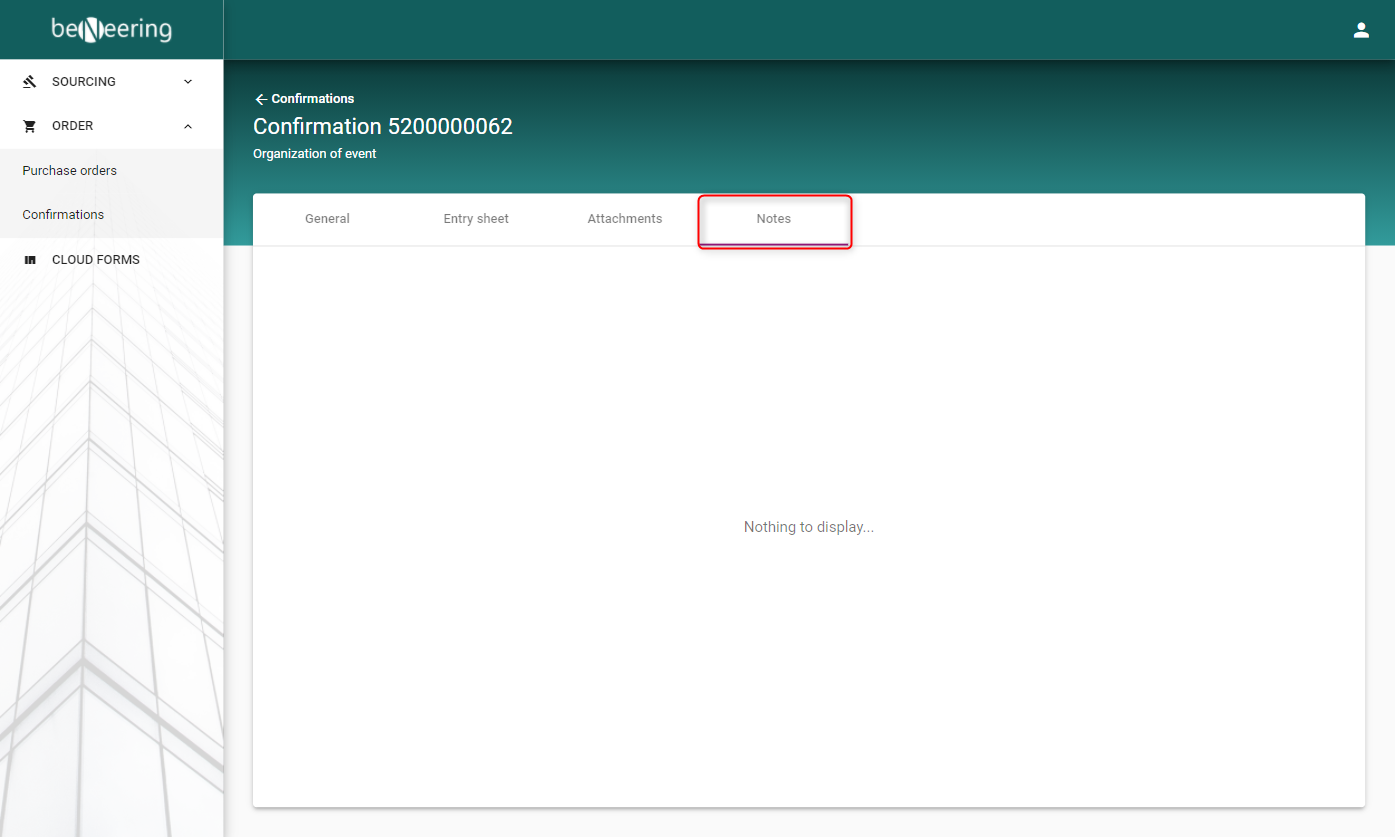
Notes about this confirmation created in the customer system.