If you are invited to register on BeNeering Cloud (formerly known as myCatalogCloud), you will receive a mail from noreply@beneering.com.
Registration email
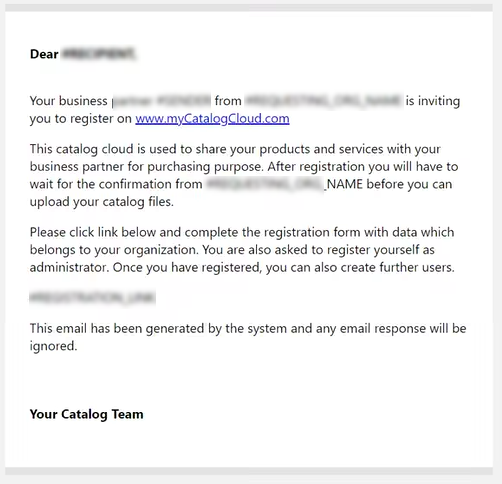
Below you can see an example of an invitation email including the following information:
-
Who has invited you to register on BeNeering Cloud. This will be one of your business partners/customers.
-
Introduction of our service and its function
-
Registration link and instructions
Completing registration
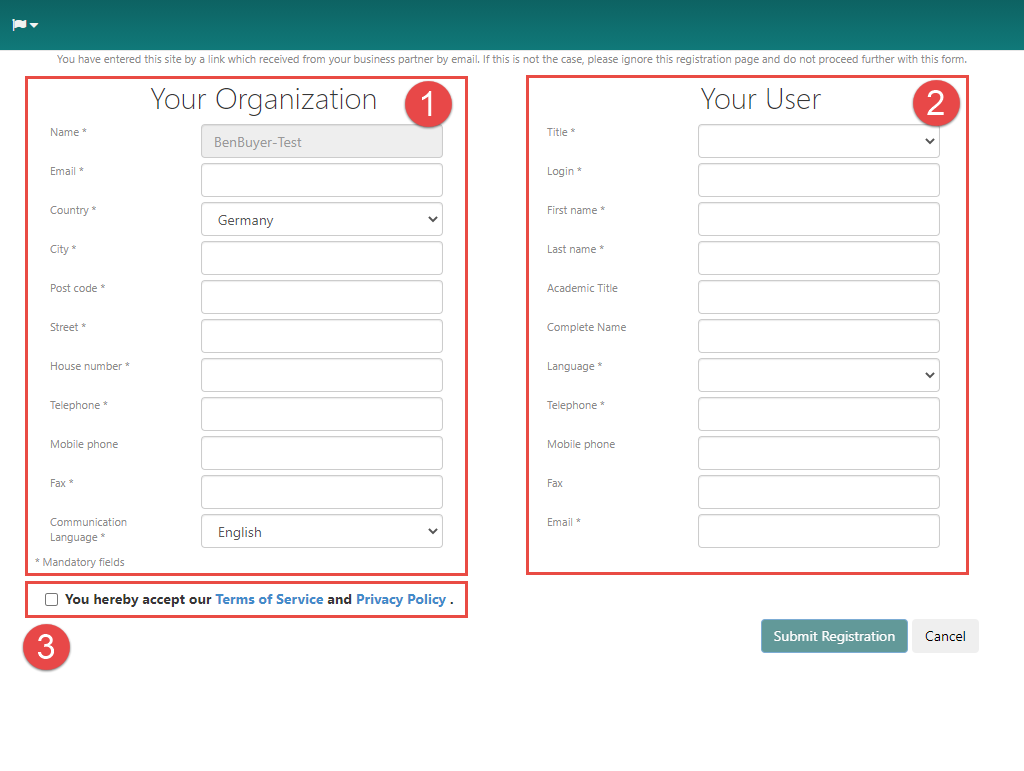
After you click on the registration link, the following page will open in your browser, allowing you to complete your registration.
Here there are also 3 areas that need to be considered:
-
In the first area, please enter all information about your company.
-
In the second area, please enter all information about our user. Please note that you will need your user name or your e-mail address to log into BeNeering Cloud later.
-
In the third area there is a link to our privacy policy and the terms of use of BeNeering Cloud, which you must read and accept before you complete the registration.
If you already have a user with us (because you were already invited by another business partner in the past) and have received another invitation to register, please open a support ticket with the following information:
-
Your organization name
-
Your user name
-
From which customer were you invited?
E-mail notification
After you have completed your registration, you will receive another email.
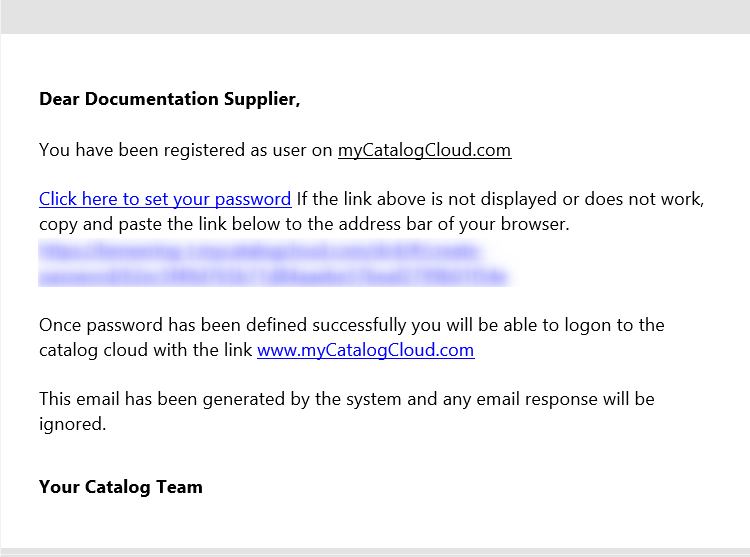
Create a password
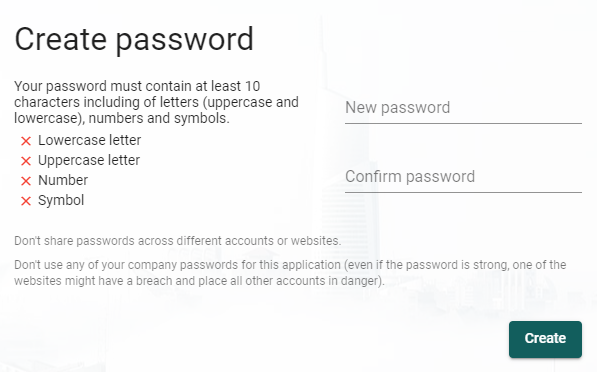
After clicking on the link in the previous mail, you will find the possibility to set your user password.
Login
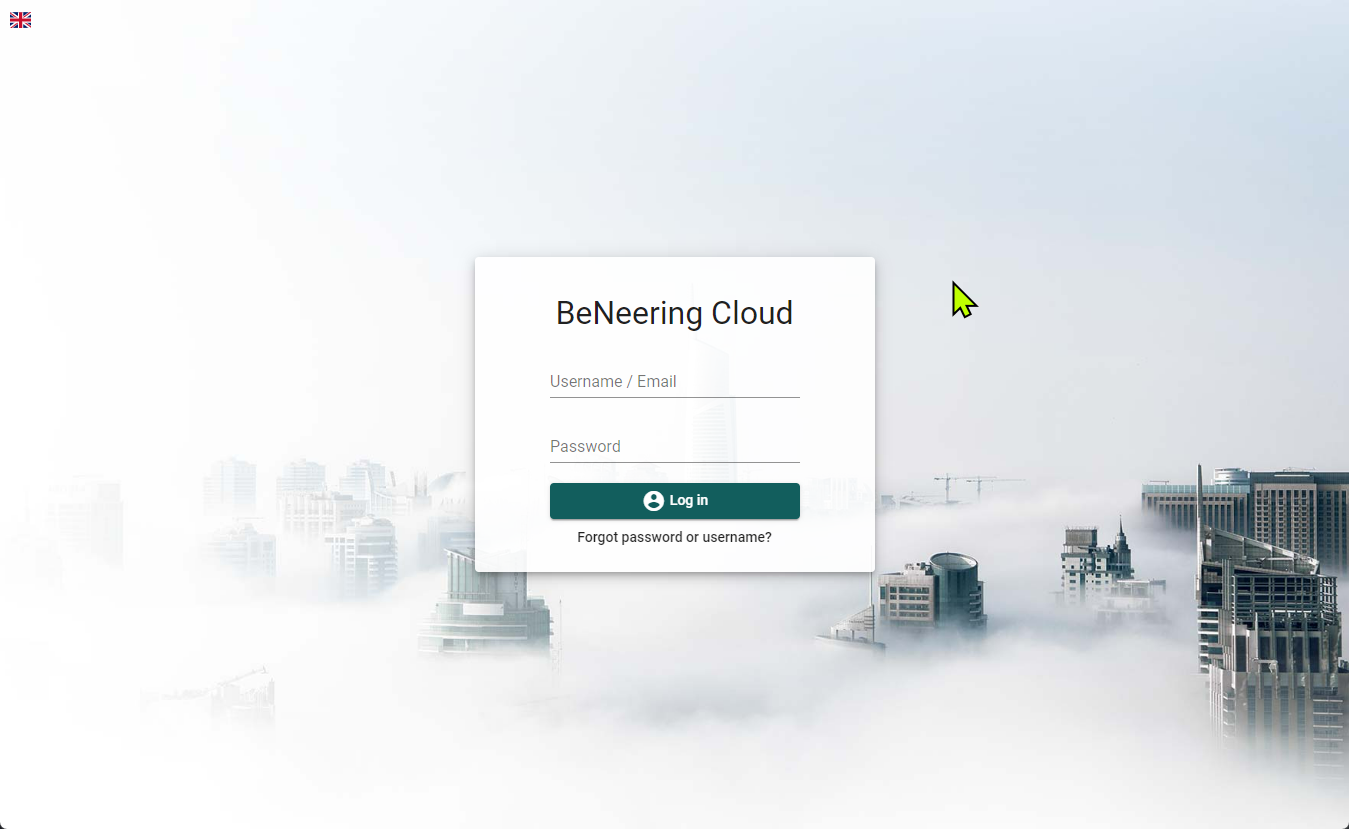
Finally you will get to the login page of the BeNeering Cloud.