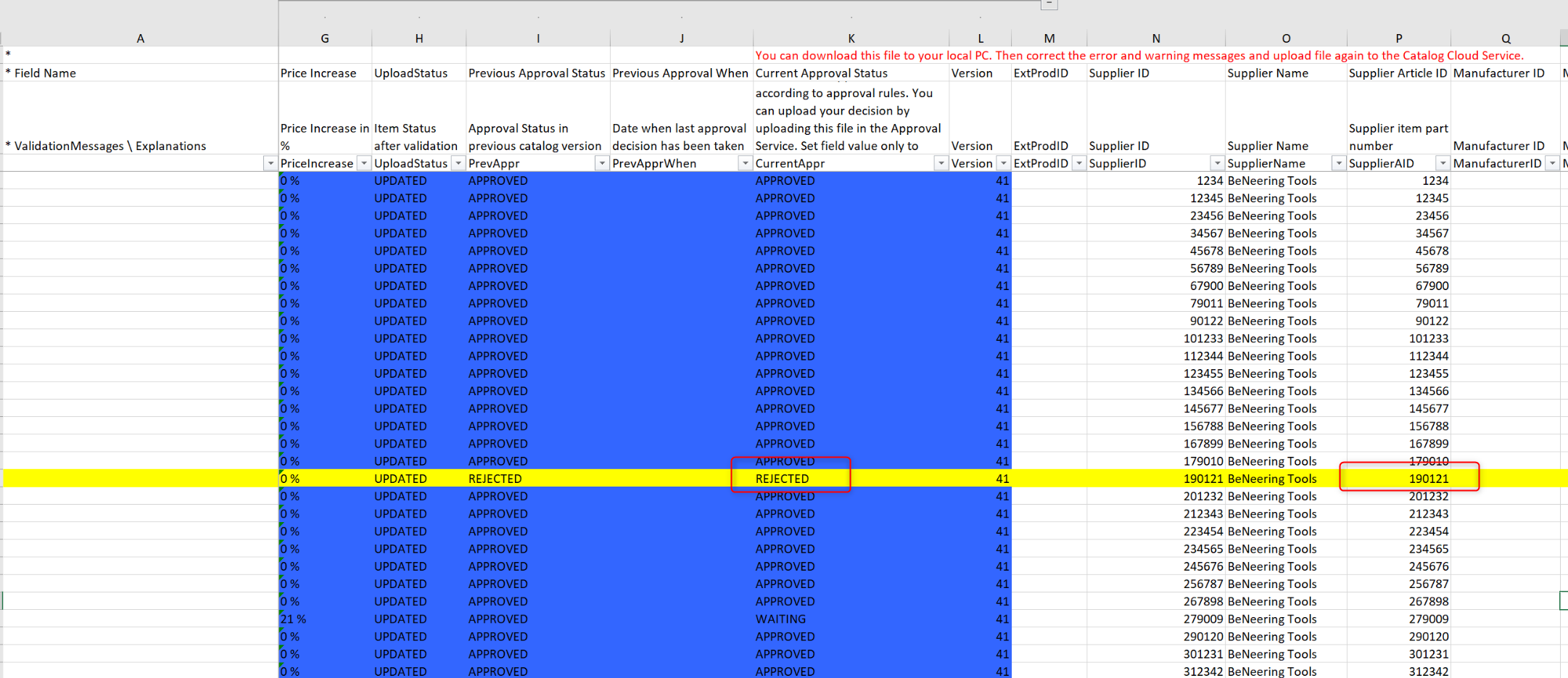
When your items are not visible/shown in the active catalog you are able to check the generated validation log of the catalog for possible answers, why the item is not shown.
-
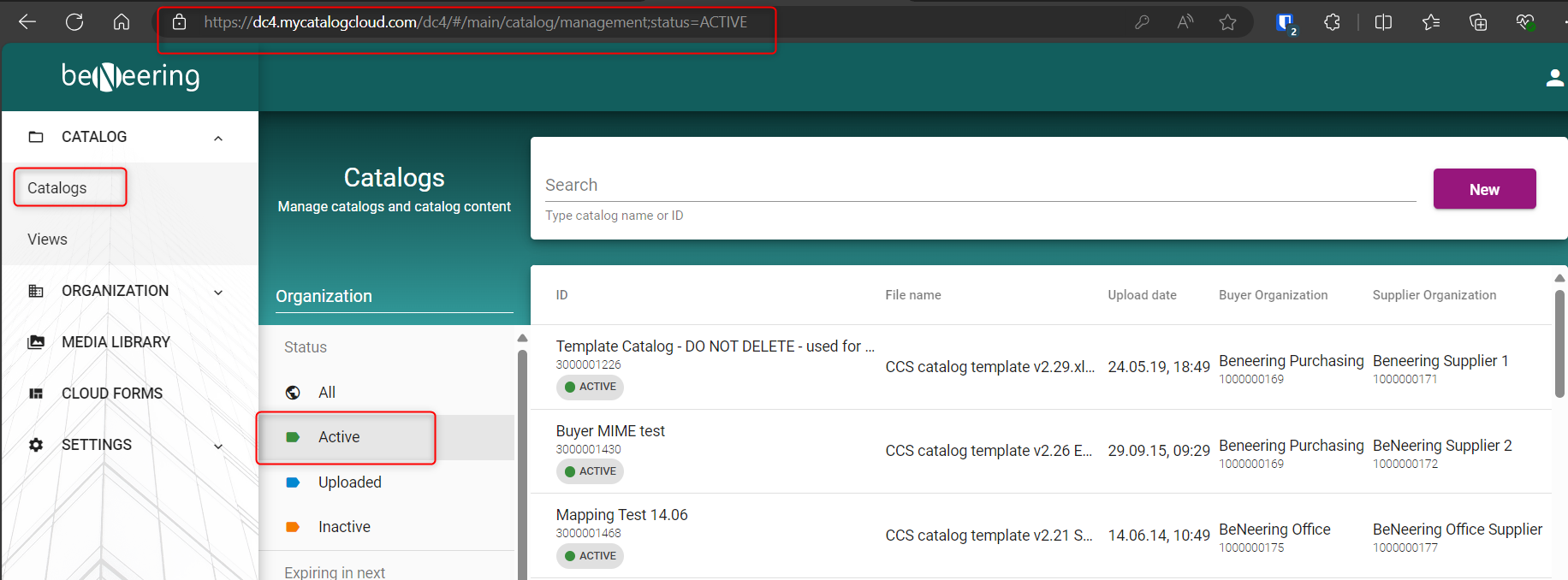
Go to active catalogs:
-
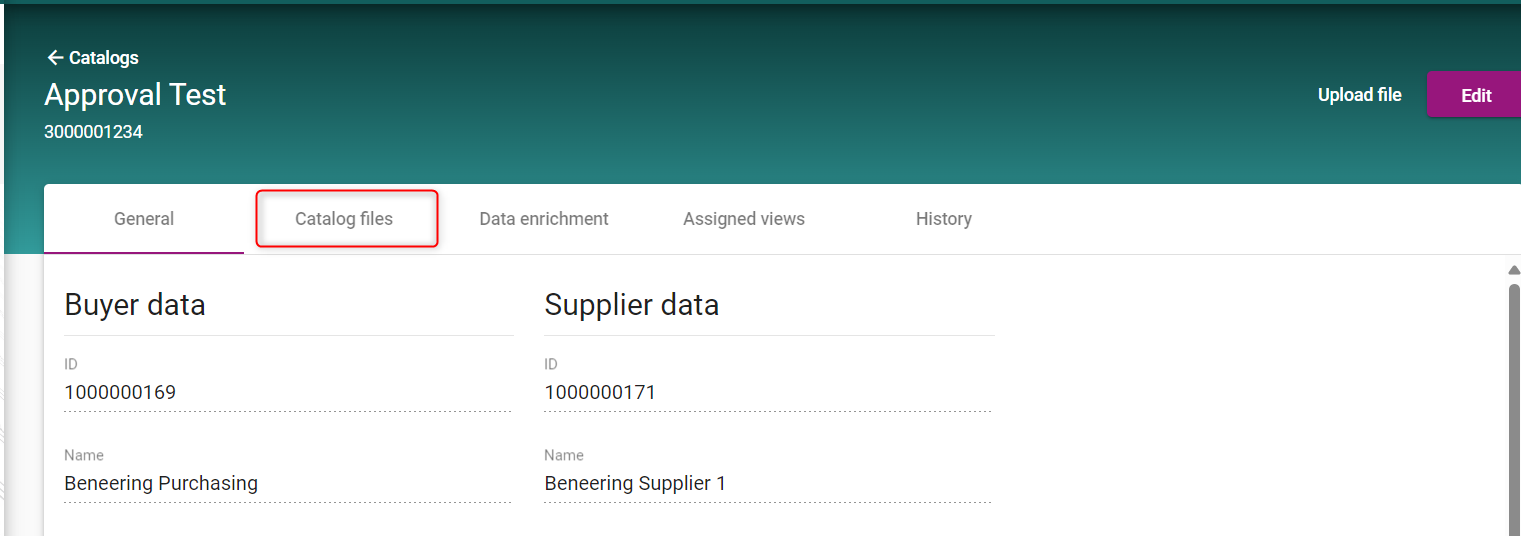
Click on your catalog and select Catalog files:
-
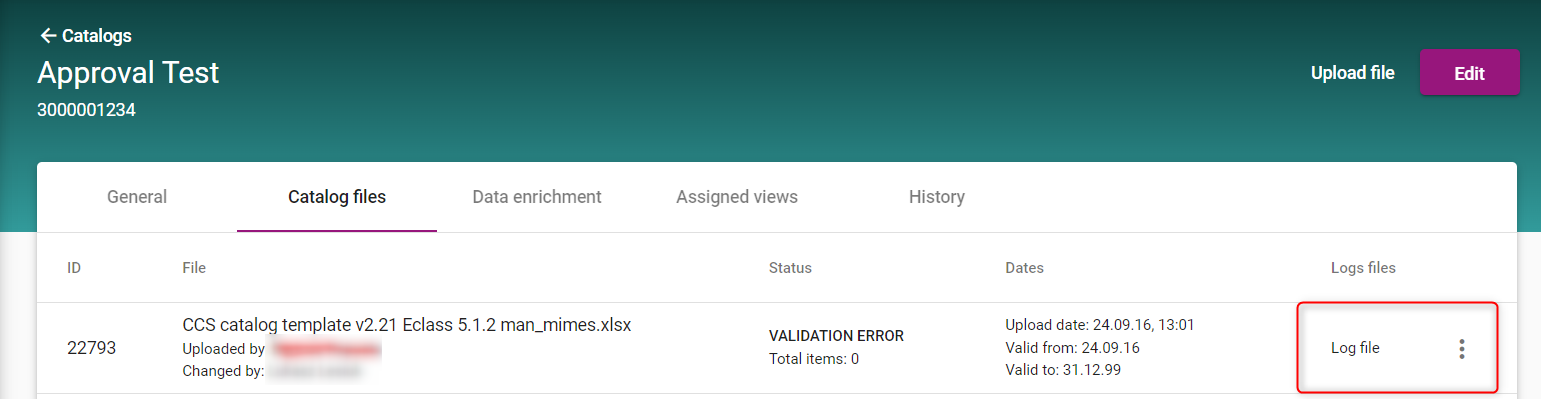
Select the Log-file of the catalog:
-
After you open the log file form your downloads you can self check the document:
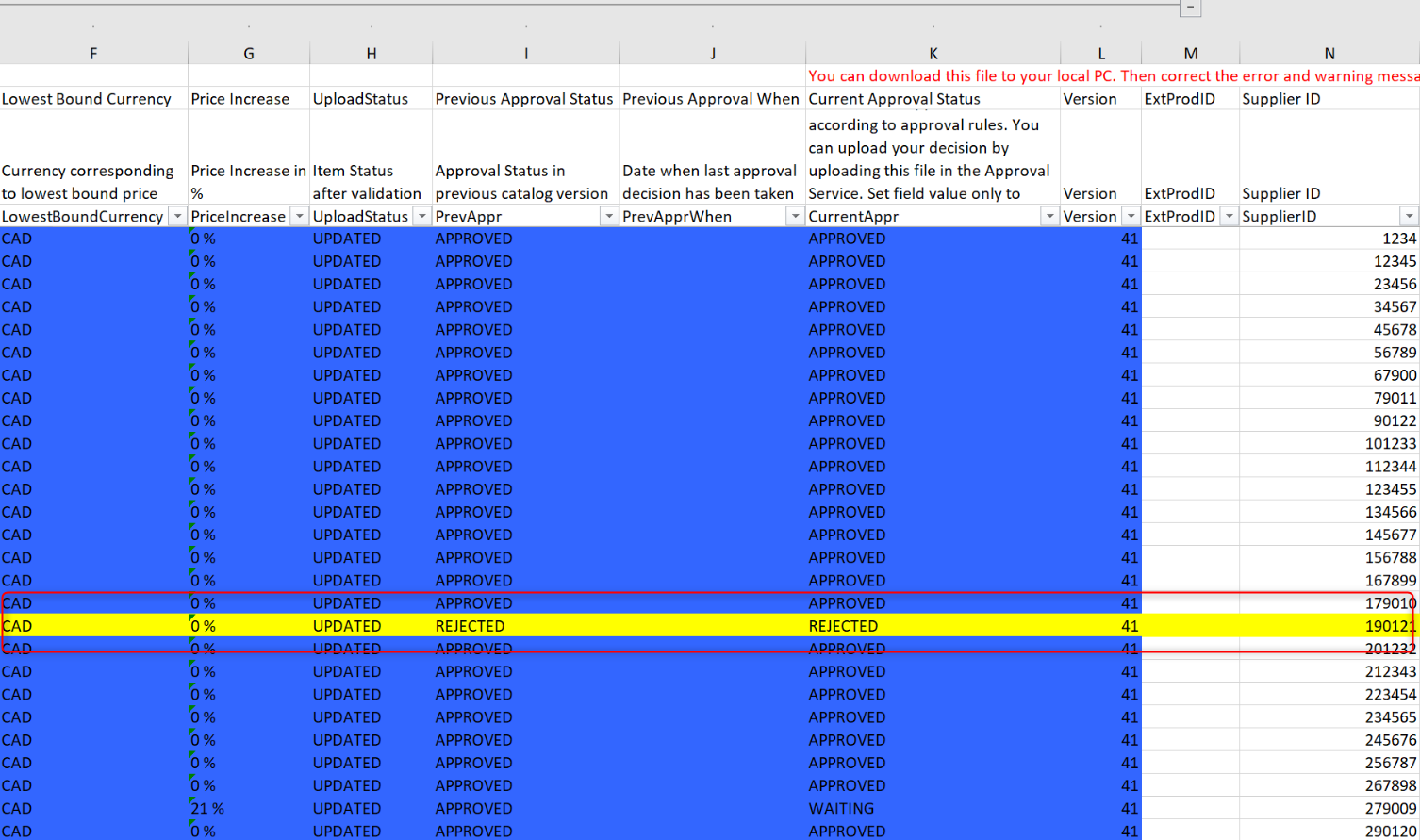
In this example the product was rejected in the validation process. This is the reason why its not visible in your active catalog web page. The item needs to be approved by the Apporver.